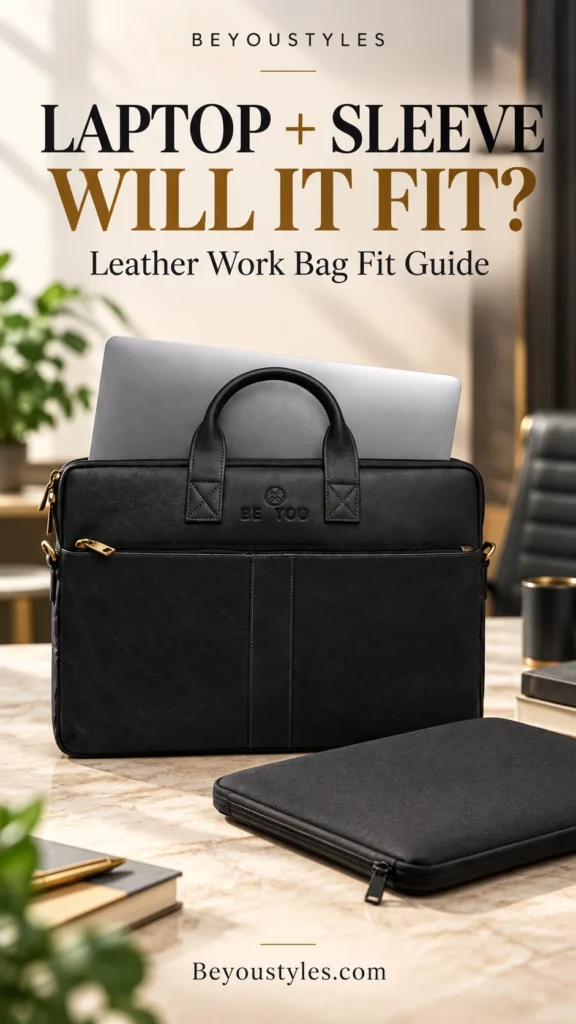
A laptop in a protective sleeve can fit inside a leather work bag, provided the loaded sleeve fits the usable compartment and passes comfortably through the opening. The bag also needs to close without squeezing the device. A laptop’s screen size and a bag’s overall dimensions alone do not establish compatibility.
If you already use a protective sleeve, measure it with your laptop inside before choosing a work bag. Padding, reinforced corners, zipper edges and accessory pockets can make the loaded sleeve larger than the computer itself.
The Beyoustyles Black Full-Grain Leather Laptop Bag is an option to consider for organised professional carry. Its listing gives an overall size of 40 × 29 × 4.5 cm and describes two main compartments. However, it does not identify those dimensions as usable internal measurements, so sleeve compatibility needs a separate check.
Why a 15-Inch or 17-Inch Label Is Not Enough
Laptop screen size is a diagonal display measurement. It does not describe the closed device’s full width, depth or thickness. Computers with similar screen sizes can have different body dimensions, particularly when comparing slim devices with thicker models.
Sleeves add another variable. A close-fitting sleeve may add relatively little bulk, while one with substantial padding or a filled accessory pocket can require considerably more room. Compare the actual loaded sleeve with the bag rather than relying on matching inch labels.
Our existing 15-inch leather laptop bag guide provides background on choosing a work bag. For a device carried in a sleeve, take the additional step of checking the sleeve’s outside measurements.
Measure the Sleeve With the Laptop Inside
Place the closed laptop inside the sleeve and zip it normally. Measure the sleeve in the condition in which you plan to carry it. If you intend to use a small sleeve pocket, include its contents when checking thickness.
- Width: Measure across the widest outside edge, including corner padding.
- Height: Measure the other long face dimension, including any projecting zipper or reinforced edge.
- Thickness: Measure the fullest part of the loaded sleeve without compressing it.
- Projections: Note handles, stiff corners or other features that could catch at the bag opening.
Use consistent units. Record all three measurements in centimetres or inches and label them clearly. A retailer may use “length” and “height” differently, so explain which dimension runs along each edge.
Ask for Usable Internal Measurements
The outside dimensions of a bag can include its leather walls, lining, seams and structure. Dividers and pockets also affect the space available inside. Consequently, an overall measurement should not be treated as a laptop-compartment measurement unless the retailer explicitly says it is.
For sleeve compatibility, ask for the usable width, height and depth of the compartment you will actually use. Also ask about the narrowest part of the opening and whether the closure leaves enough clearance at the top.
| Measurement | What it helps establish |
|---|---|
| Loaded sleeve width and height | Whether the sleeve can sit inside the intended compartment |
| Loaded sleeve thickness | Whether there is sufficient usable depth |
| Opening clearance | Whether the sleeve can enter and leave without force |
| Closure clearance | Whether the bag closes without pressing against the device |
| Space with everyday contents | Whether the full packing arrangement remains practical |
You need some practical clearance rather than an exact edge-to-edge match. There is no universal allowance that suits every bag and sleeve: flexibility, corner shape, opening construction and padding all influence the fit.
The Opening Can Be the Limiting Factor
A compartment may look spacious once opened but still have a narrower entry. Zipper placement, corner seams and the shape of the opening can make insertion less straightforward than the bag’s overall size suggests.
A suitable sleeve should slide in and out without bending the laptop or pulling hard on the bag. If you need to force the padded corners through, the combination may be too tight for convenient everyday use.
Do not buy on the assumption that leather will stretch enough to solve a sizing mismatch. Choose a bag that accommodates the loaded sleeve from the start.
Check the Fit With Your Full Workday Load
A sleeve that fits an empty bag may be cramped after you add a notebook, charger and documents. The space needed for accessories depends on the layout and how much the compartments share the bag’s total depth.
Plan a realistic packing arrangement. Keep bulky accessories from pressing directly into the laptop, and avoid treating the space beside the device as an unlimited storage area. The closure should work comfortably once everything is packed.
The Beyoustyles black bag listing describes two main compartments, an interior zipper pocket and a large front compartment. Those features provide organisation options, but the listing does not give a separate capacity for each section. Confirm that your intended contents can share the space comfortably.
For broader storage planning, read our guide to choosing the right leather laptop bag. Pair general buying advice with measurements specific to your device and sleeve.
What a Protective Sleeve Can and Cannot Tell You
A sleeve can add a layer between the laptop and other contents. Its actual protective performance depends on its construction and fit; the word “protective” alone does not establish resistance to impacts or drops.
Likewise, a leather exterior does not prove that a bag includes a padded laptop section, a suspension system or waterproof protection. The checked black bag listing does not establish those features. If they are important to your purchase, ask for explicit confirmation.
A sleeve is useful only if the complete arrangement remains practical. Avoid a fit so tight that retrieving the computer becomes difficult or the closure presses against its edges.
What to Confirm About the Beyoustyles Black Bag
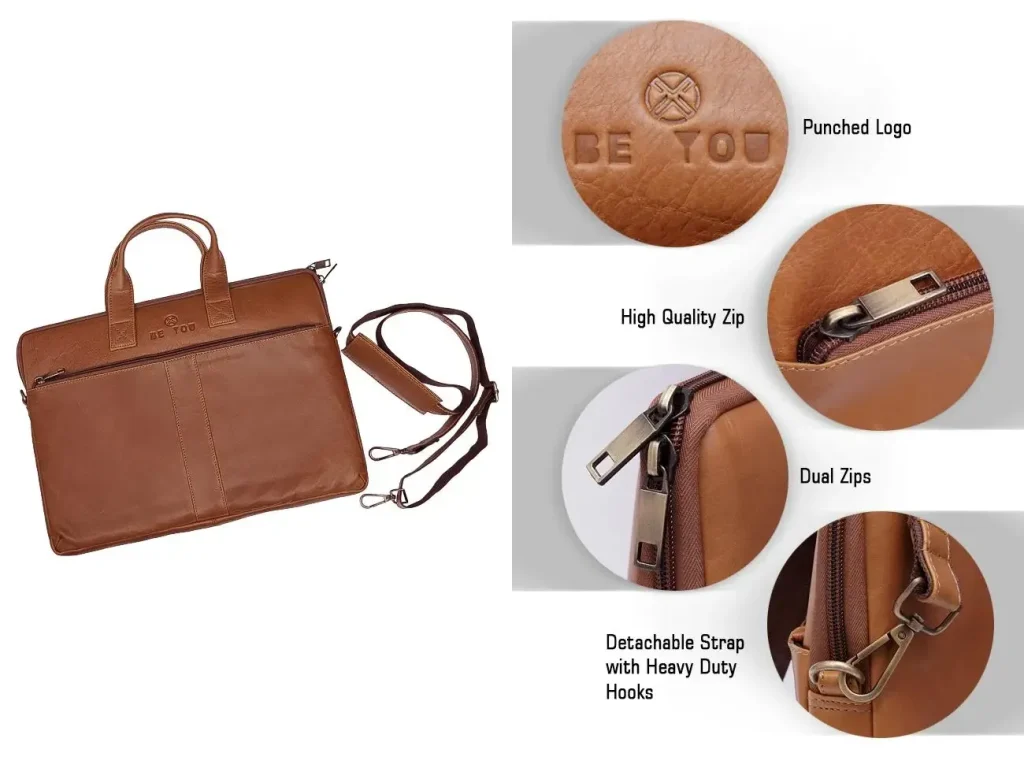
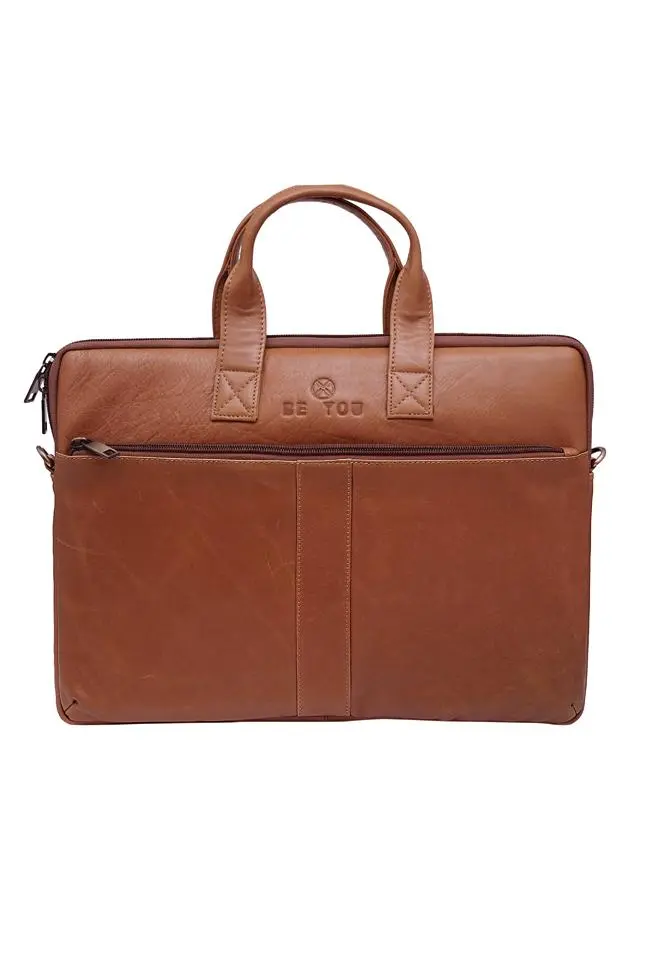
The current listing describes 100% veg-tanned full-grain leather, reinforced leather handles and a detachable leather shoulder strap. It gives the bag’s size as 40 × 29 × 4.5 cm and notes that handmade dimensions can vary slightly.
Before ordering for a particular sleeve, confirm:
- The usable internal dimensions of the intended main compartment.
- The opening clearance and the space beneath the closure.
- Whether your loaded sleeve fits alongside your usual work essentials.
- Any padding or protective features you specifically require.
- Current availability, fulfilment timing and applicable return conditions.
Do not interpret 4.5 cm as the available thickness of each compartment. It is the listed bag depth, and the internal divisions share the overall structure.
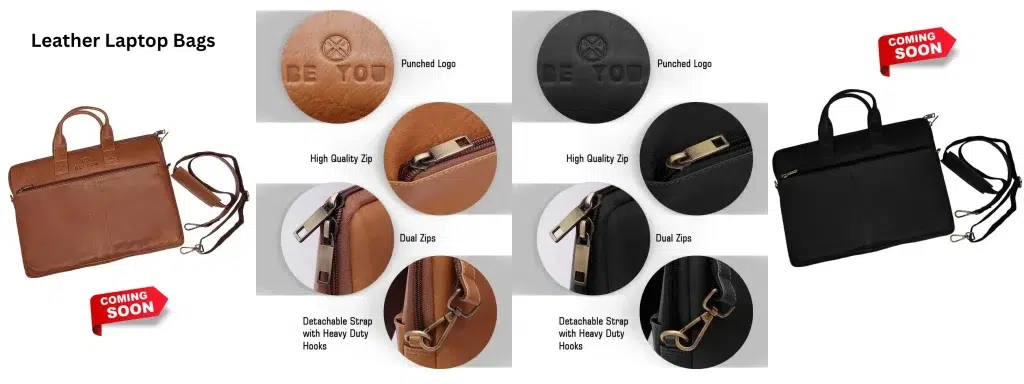
Browse the Leather Laptop Bags collection if you want to compare the available designs and request measurements for the one you prefer.
A Simple Message to Send Before Buying
My laptop measures [width × height × thickness], and its sleeve measures [width × height × thickness] with the laptop inside. Please confirm the usable internal dimensions and opening clearance of the bag’s intended compartment, and whether the bag can close comfortably with this sleeve plus my usual charger and notebook.
Replace the bracketed measurements with your own figures and include the units. A clear measurement request is more useful than asking only whether the bag fits a “15-inch laptop.”
Frequently Asked Questions
Can I keep my laptop in its sleeve inside a leather bag?
Yes, if the loaded sleeve fits the usable compartment, passes through the opening and allows the bag to close without pressure.
Should I measure the laptop or the sleeve?
Measure the sleeve with the laptop inside. The device dimensions are also useful, but the loaded sleeve determines the space this packing arrangement requires.
Will any 15-inch sleeve fit a 15-inch laptop bag?
Not necessarily. Screen-size labels do not establish the sleeve’s outside dimensions or the bag’s usable internal space.
Does the black bag’s 40 × 29 × 4.5 cm size guarantee sleeve compatibility?
No. The listing does not identify those figures as internal compartment measurements. Confirm the intended compartment and opening before ordering.
Can I squeeze a thick sleeve into a slim work bag?
Avoid forcing it. The sleeve should fit comfortably without compressing the device or straining the bag’s closure.
Choose by the Loaded Sleeve, Then Check the Bag
The right combination depends on dimensions, opening clearance and your complete daily load. Measure first, confirm usable space and choose a fit that makes everyday access straightforward.
Review the Black Full-Grain Leather Laptop Bag from Beyoustyles, then confirm compatibility using your loaded sleeve measurements before purchasing.